Button Box JJB-999

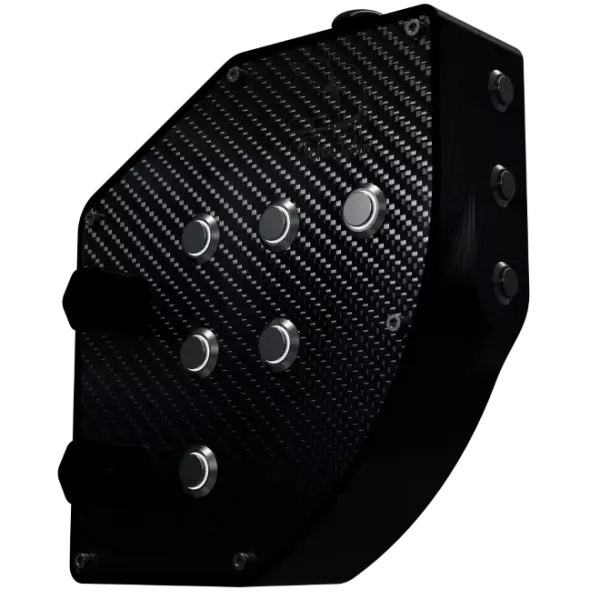
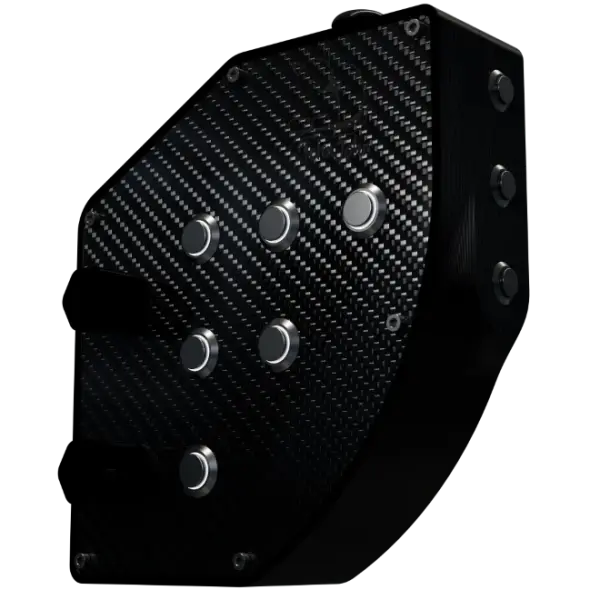
Meet the Button Box JJB-999, developed in partnership with Adriel Machado and designed especially for drivers who race in VR!

Buy Now
Button Box JJB-999 render
  • Official invoice
  • Warranty
  • Made in Brazil, in-house
  • WhatsApp support
Adriel Machado's YouTube avatar

The Partnership and the Idea

While looking for new partners to join the JohnJohn 3D team and help us create new projects, the name Adriel Machado came up: a virtual drift driver with around 190 thousand subscribers on his YouTube channel.

Through those conversations we offered him a partnership on a brand-new project, with his input throughout its creation. That project became the JJB-999.

After a period of research we reached the final version of the JJB-999 (available today in our online store), a special button box focused on sim drivers who race with virtual reality (VR) headsets.

Check out Adriel Machado's work on YouTube here!

Available features

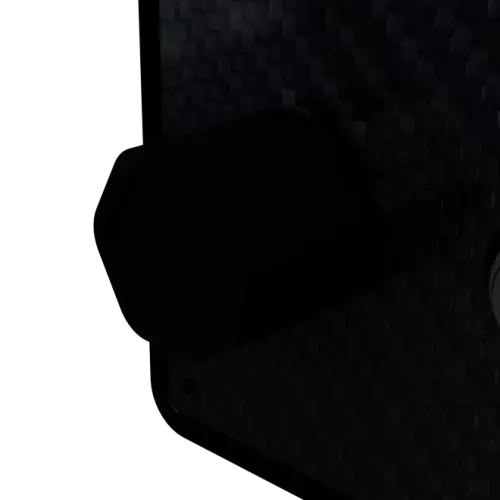
The Button Box JJB-999 has an analog joystick that makes navigating in-game menus easier, without reaching for the keyboard!

Analog joystick on the Button Box JJB-999

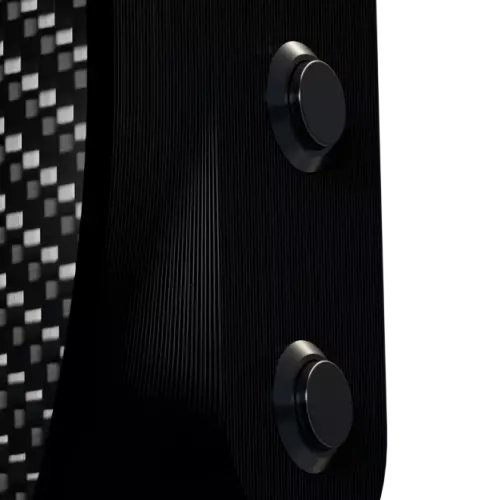
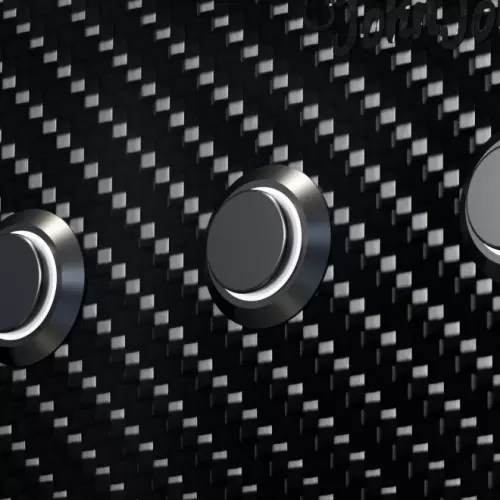
Built for durability, the Button Box JJB-999 has six 16 mm water-resistant metal buttons (backlit*) plus three 12 mm water-resistant buttons on the side (not backlit).

* Lighting only works when using JohnJohn 3D's own JJManager software.

Metal buttons on the Button Box JJB-999

Designed for those who play in the dark, this model features backlit buttons you can control with JohnJohn 3D's JJManager software.

Besides brightness control, you can switch between three options: lighting off, lighting on and pulsing (fade).

Controllable LEDs on the Button Box JJB-999

The Button Box JJB-999 has two rotary encoders with push-click for more immersion, especially for quick option changes that need repeated clicks.

This model comes with black anodized aluminum knobs, adding durability along with a more professional look and feel!

Rotary encoders on the Button Box JJB-999

Highlights

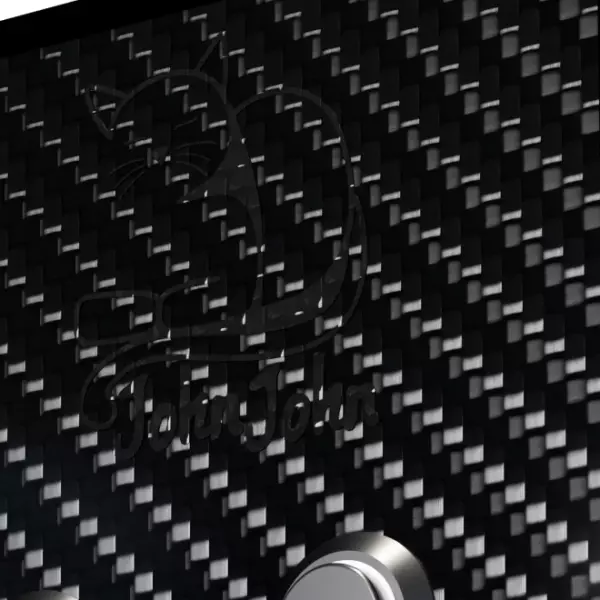
Carbon fiber front of the Button Box JJB-999

Real carbon fiber front panel

At JohnJohn 3D we care about quality, so most of our sim racing products, including the Button Box JJB-999, have a front panel made of real 1.5 mm carbon fiber that is both light and strong.

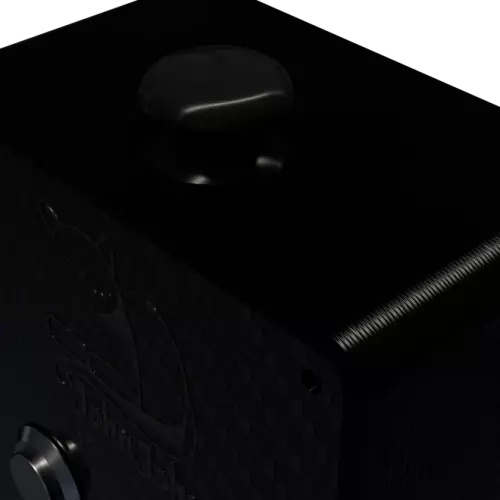
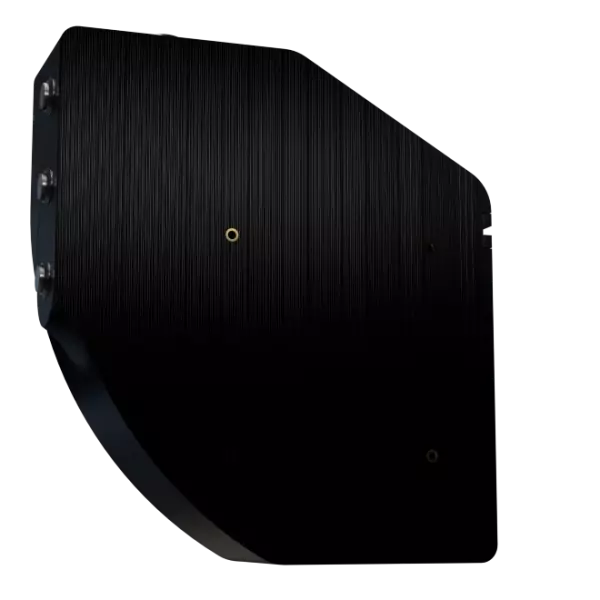
VESA 75 mount of the Button Box JJB-999

VESA 75 mounting

Wondering how to mount your Button Box JJB-999? No worries! It uses the standard VESA 75 pattern (the same as TVs), so mounting your new gear is easy.

2.8-meter USB cable of the Button Box JJB-999

2.8-meter USB cable

Since your PC may sit away from your rig, JohnJohn 3D gave the Button Box JJB-999 a 2.8-meter cable to make cable management easier!

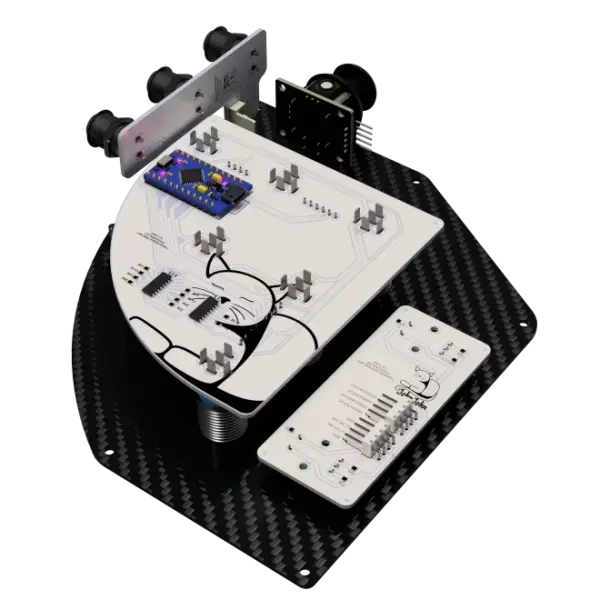
PCB of the Button Box JJB-999

Hardware built on printed circuit boards (PCB)

Wires? As few as possible! The Button Box JJB-999 uses printed circuit boards to connect its components, for a cleaner internal build, better durability and practically no risk of problems.

JJManager and SimHub logos

Compatible with JJManager and SimHub*

The Button Box JJB-999 was built to work with JJManager, the software JohnJohn 3D created to manage its products.

With JJManager you can set your Button Box JJB-999 LEDs to different modes and adjust each one's brightness individually.

You can also sync the LEDs with SimHub for more immersion, with light options for ignition, RPM and redline.**

* SimHub compatibility requires the "JJManager Sync" plugin inside SimHub, with the device connected to JJManager.

** Options available from version 1.1.0 of the "JJManager Sync" plugin.

Media

Support

Looking for information?

Don't let doubts hold you back: join our Discord server or message us on WhatsApp, we'll help you in the best way possible.

Looking for downloads specific to your device? The latest versions are right next to this.

Device downloads

Criado inicialmente para gerenciar os dispositivos da série JJM, o JJManager evoluiu e se tornou mais que isso, se tornou uma ferramenta completa para todos os dispositivos JohnJohn 3D. Realize atualizações de firmware, gerencie configurações, tenha opções extras, tudo é possível com o JJManager.


Current version: 1.3.0.1

Download

Plugin responsável por realizar comunicação entre o SimHub e o JJManager, permitindo assim com que os dispositivos JohnJohn 3D consigam ter dados diretos dos simuladores.


Current version: 1.2.1.0

Download

Versão digital do manual simplificado em português da ButtonBox JJB-999, essencial para tirar dúvidas sobre o produto (medidas, funções, integrações...).


Current version: 2025.10.19

Download

Versão impressa do manual simplificado em português da ButtonBox JJB-999, essencial para tirar dúvidas sobre o produto (medidas, funções, integrações...).


Current version: 2025.10.19

Download

Don't have a Button Box JJB-999 yet? Why not get yours today?

Available on Mercado Livre and Shopee (Brazil)!

Questions? Chat on WhatsApp