JohnJohn 3D Dashboard
JJDB-01
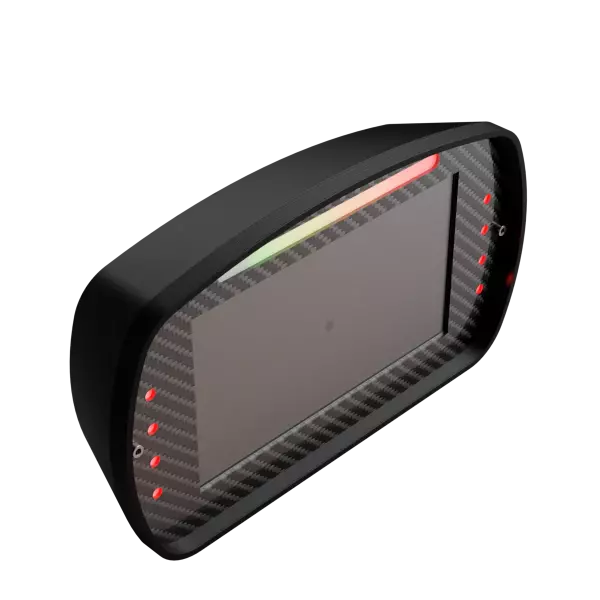
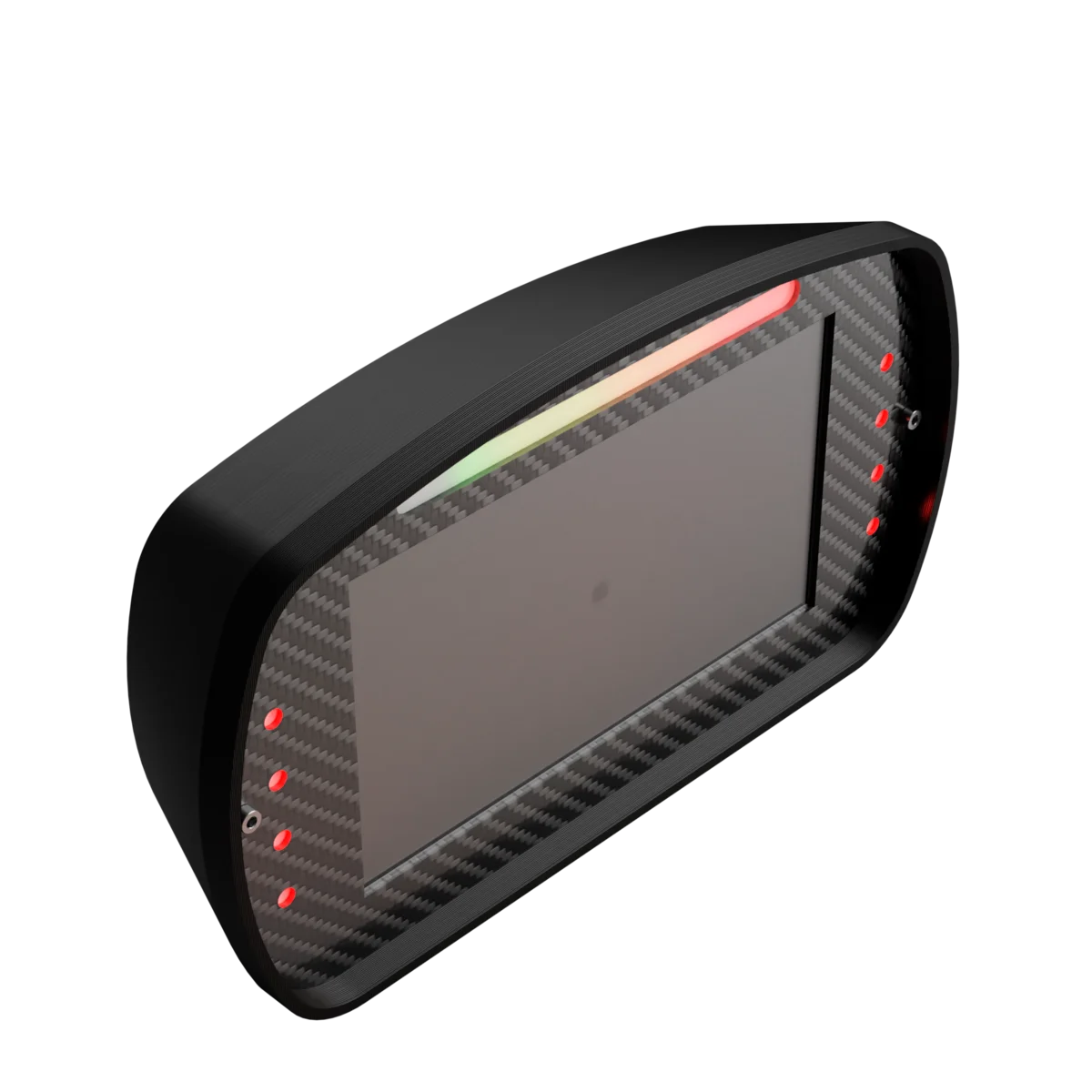
A 7-inch screen and 16 RGB LEDs behind your wheel, showing only what you chose: RPM with shift light, gear, lap times, tyres, pedals and G-force. You build the panel in JJManager, page by page, and switch pages from a wheel button.
Notify Me When It Ships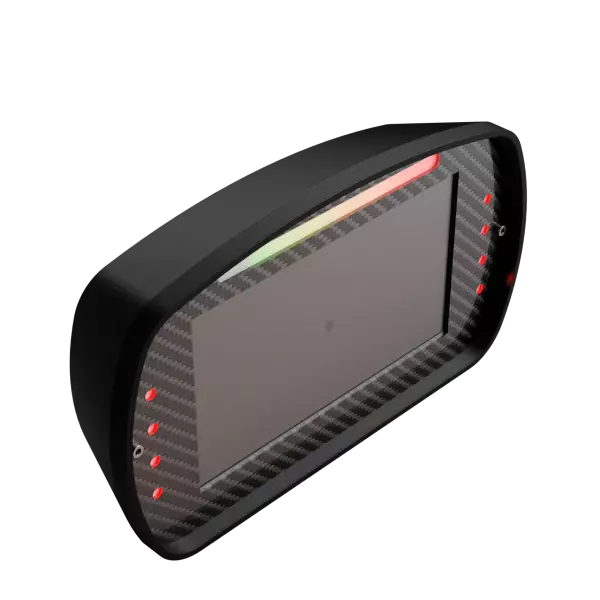
- Official invoice
- Warranty
- Made in Brazil, in-house
- WhatsApp support
See the Screen in Motion
This is the JJDB-01's real grid: 10 columns by 6 rows, 800 by 480 pixels. The three pages below are example layouts, with telemetry simulated right here in your browser.
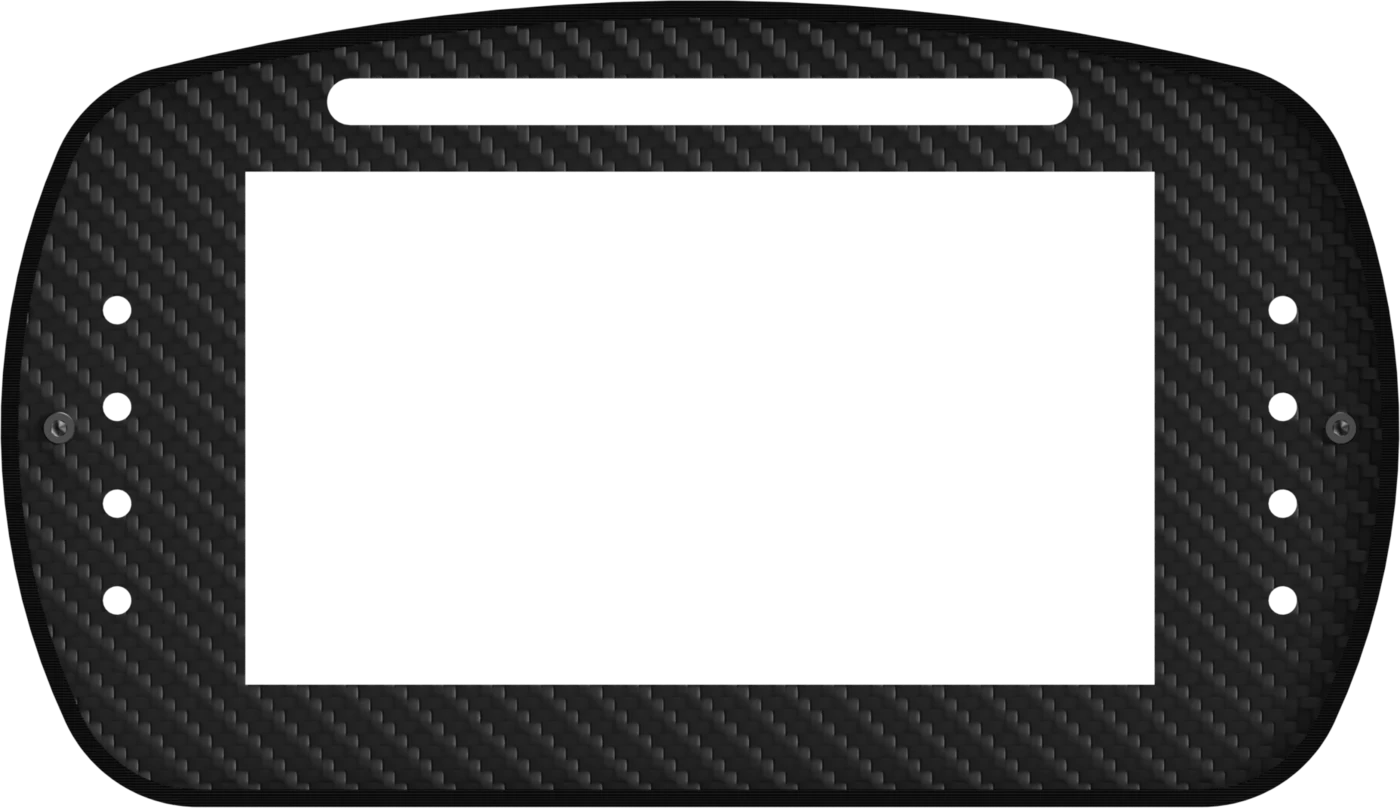
Watch the 16 LEDs around the screen: in this example, the 8 on top light up with the revs and flash at the shift point, and the 4 on each side light up under braking. Double-tap the right side of the screen to go to the next page and the left side to go back, just like on the device.
Double-tap the right side to go forward, the left to go back. The arrows work too.
Example pages only: on the JJDB-01 you build your own in JJManager. The numbers in this simulation are made up.
Five Modules to Build Your Panel
In JJManager, a three-step wizard walks you through it: pick the module, the size and the spot on the page. Then just drag it around in the preview.
RPM Bar
Follows the revs in real time, with warning and limiter zones. The shift light flashes the bar, shows the word SHIFT or lights a colored border, at the point you set or the game's own.
Telemetry Value
Any SimHub data as a number or text: gear, speed, lap time, temperatures. A trim and a mask give the value the decimals and unit you want.
Tyres and Brakes
Pressure and temperature of all 4 tyres, brake temperature and the compound, when the game reports it. Colors switch between cold, normal and hot within the ranges you set.
Pedals
Throttle, brake and clutch as vertical or horizontal bars, so you can check your driving while you race.
G-Force
A dot inside a circle shows lateral and longitudinal force, on the scale you choose, with the number too if you like.
Your Way
A background image per module, one-click copies of a module or a whole page, and text that fits its space.
16 LEDs That React to the Game
Each of the 16 RGB LEDs has its own actions, tied to SimHub data.
Condition-Based Actions
Pick a SimHub property, a condition and a value: when it's true, the LED lights up in the color, mode and brightness you chose.
Per-Game Profiles
Save different setups for each sim, like RPM LEDs in iRacing and signal LEDs in Euro Truck, and switch profiles whenever you want.
Two Separate Brightness Levels
Screen brightness is saved in each profile, separate from LED brightness. When idle, the panel dims on its own.
Made to Use While You Race
No taking your hands off the wheel to see the next page.
Pages on a Wheel Button
Pick buttons on your wheel or another controller to go forward and back through the panel's pages mid-race.
Double-Tap the Screen
On the screen itself, a quick double tap on the right side goes to the next page and on the left goes back, in a loop.
USB or WiFi
Works over the USB cable or your WiFi network, set up right in JJManager.
Updates Through JJManager
Firmware and panel screens arrive through JJManager, which only sends what changed.
Comparison
How the JJDB-01 compares to the two most common kinds of sim dashboard.
| Feature | JJDB-01 JohnJohn 3D | Brand A USB screen mirroring a panel drawn on the PC | Brand B Imported dedicated dashboard |
|---|---|---|---|
| Panel built without coding Editor with a step-by-step wizard and a 10 x 6 grid | Yes | Partly | Partly |
| 16 built-in RGB LEDs Color, mode and brightness tied to game data | Yes | No | Partly |
| Drawn on the device itself The PC only sends values, the screen draws everything | Yes | No | Yes |
| WiFi connection No data cable to the computer | Yes | No | Partly |
| Pages on a wheel button and by tapping the screen Quick switching mid-race | Yes | Partly | Partly |
| Screen brightness per profile Separate from LED brightness | Yes | No | Partly |
| Free software in English, Portuguese and Spanish Everything on the JJDB-01, no subscription | Yes | Partly | Partly |
| Official invoice, warranty and support in Brazil Help over WhatsApp and Discord | Yes | Partly | Partly |
Brand A and Brand B stand for common kinds of product in the sim dashboard market, not a specific product. Features vary by model: always check the manufacturer's spec sheet.

SimHub and JJManager: What Makes the Panel Work
The JJDB-01 gets its telemetry from SimHub, free for basic use and compatible with dozens of sims such as iRacing, ACC, rFactor 2 and F1.
In JJManager, also free, you build the pages, set up the 16 LEDs, create per-game profiles and update the firmware. None of the JJDB-01's features sit behind a subscription.
Discover JJManagerSpecs
The numbers that matter for your cockpit.
- Screen
- 7 inches, touchscreen800 x 480 pixels
- Module grid
- 10 x 6 cells per pageModules from 1 cell up to the whole screen
- Pages
- Multiple per panelSwitch from the wheel, another controller or with a double tap
- LEDs
- 16 RGBTelemetry condition actions
- Connection
- USB and WiFi
- Telemetry
- SimHubWorks with the sims it supports
- Software
- JJManager, freeWindows, Linux and macOS
Want Yours Before Everyone Else?
The new JJDB-01 isn't listed on the marketplaces yet.
Message us on WhatsApp or Instagram to hear when it arrives and reserve yours.
Support
Looking for information?
Don't let doubts hold you back: join our Discord server or message us on WhatsApp, we'll help you in the best way possible.
Looking for downloads specific to your device? The latest versions are right next to this.
Device downloads
Gerenciador oficial de dispositivos JohnJohn 3D. Configure botões, macros, LEDs, mixer de áudio e muito mais diretamente do seu PC. Suporte a Windows e Linux (x64 e ARM64), com interface em Português, Inglês e Espanhol.
Current version: 2.0.8.0