JohnJohn 3D StreamDeck
JJSD-01
12 real mechanical keys so you stop hunting for shortcuts in the middle of a stream, an edit or a race. Plug in the USB cable and it already works. Open JJManager and every key becomes a full macro: keyboard, mouse, text, audio and scripts in one press.
I Want My StreamDeck- Official invoice
- Warranty
- Made in Brazil, in-house
- WhatsApp support
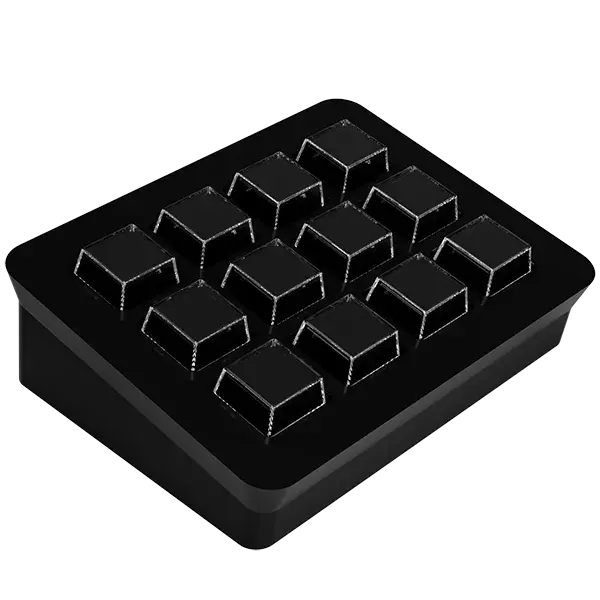
One Key, a Whole Sequence
This is the real JJSD-01 layout: 12 keys in three rows of four. The four profiles below are example builds: click any key to read, right beside it, the sequence of steps it would run.
None of this is the product running: it is how JJManager chains the steps of a macro together. You build your own profiles from scratch, with as many steps per key as you need.
Pick a profile and click any key on the deck.
Executed sequenceThe profiles on this page are illustrative examples and do not ship preloaded with the product. Nothing is executed on your computer here.
All of This Without Subscribing
The JJSD-01 already works on its own the moment you plug it in, and everything below is unlocked by installing the free JJManager. No trial period, no usage limit, on all 12 keys.
12 MacroKeys
Every key takes a macro with as many steps as you want, run in the order you built them.
Mouse on Autopilot
Move the cursor to an exact position, single click or double click as a step of your macro.
Typed Text
Links, commands, signatures and canned replies: the macro types the whole block for you.
Audio and Volume
Play audio files and control volume, mute and channels by application, playback or recording device.
Files and Scripts
Open programs and run Bash, Shell, Batch or PowerShell scripts straight from a key.

JJManager: the Brain of the JJSD-01
The JJSD-01 is detected automatically by JJManager the moment you plug the cable in, with no driver to install. It is in the software that each key stops being "just an F key" and becomes a sequence of steps built your way.
JJManager is free for Windows, Linux and macOS, with an interface in Portuguese, English and Spanish. It is also how firmware updates reach your StreamDeck, with no file to hunt down.
And here is the part that changes everything: if you would rather not install anything, the JJSD-01 keeps working. The F13 to F24 keys are sent by the device firmware itself, so it is ready to use from the first second. JJManager comes in when you want to go beyond a plain shortcut.
What JJManager PRO Adds
The PRO subscription is purchased inside JJManager itself, paid by card and cancellable at any time.
It locks away nothing the JJSD-01 already does: it only adds to your setup.
JJVP-PRO Virtual Pad
Another 6 macro keys and 3 audio channels, in software, alongside the 12 physical keys of your JJSD-01.
Extra Features per Device
Each JohnJohn 3D device can unlock exclusive advanced functions with PRO active, varying by model.
And More on the Way
The PRO feature list grows with every JJManager release, at no extra cost for existing subscribers.
One StreamDeck, Three Levels of Use
With no software it already gives you 12 dedicated function keys. With the free JJManager it turns into a full macro panel with keyboard, mouse, text, audio and scripts.
JJManager PRO comes later, when you want to expand the setup beyond the physical keys.
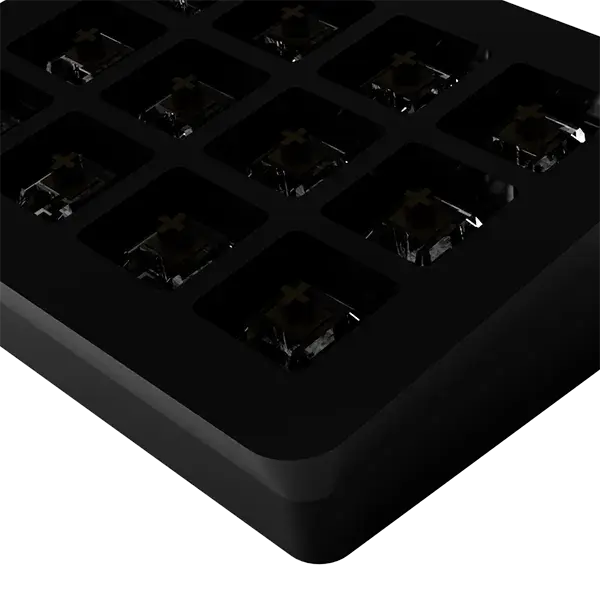
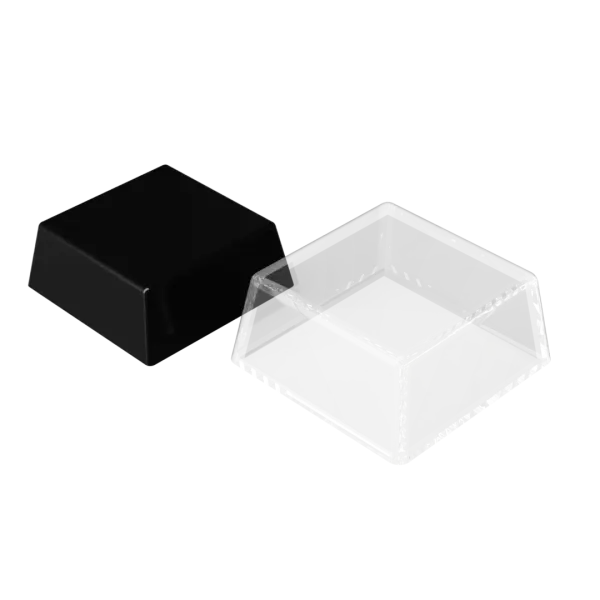
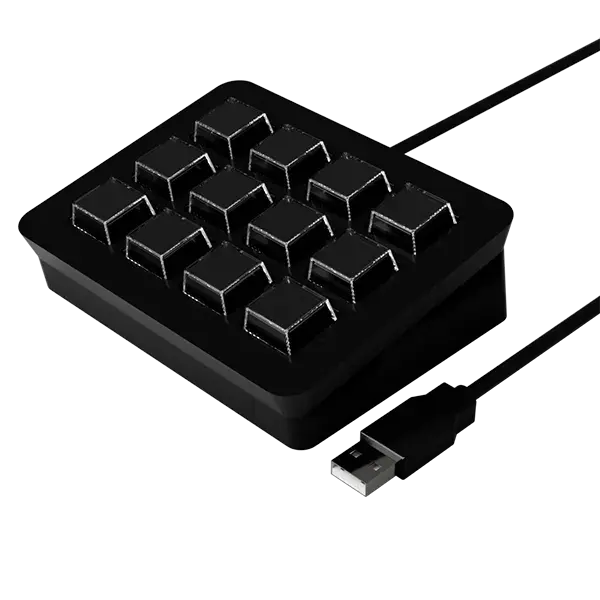
Photos and Videos
Tech Specs
The numbers that decide whether it fits your desk.
- Keys
- 12 mechanical Oetemu Brown
- Dimensions
- 11.9 x 9.7 x 4.1 cmWidth x depth x height
- Key size
- 20 x 20 mm, 3.6 mm apart
- Connection
- USB
- Without software
- Sends F13 to F24 straight to the system
- States per key
- 3: tap, continuous and hold
- Software
- JJManager, free for Windows, Linux and macOS
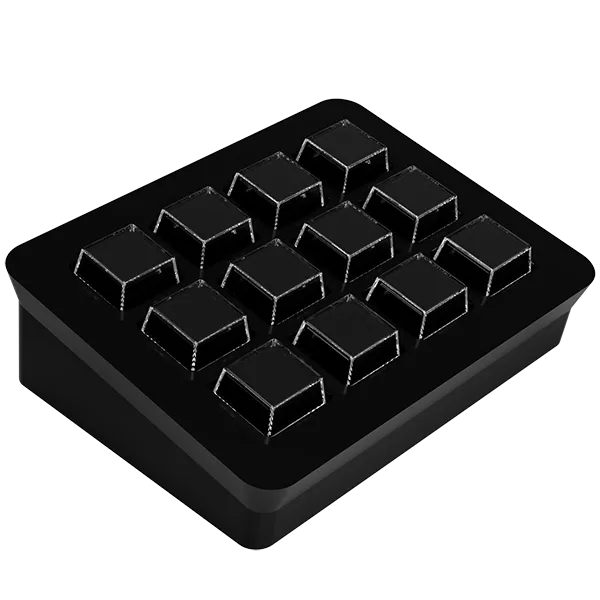
Twelve Keys You Will Use Every Day
A StreamDeck assembled, tested and running the latest firmware, ready to plug into USB and work. Official JohnJohn 3D product, with warranty and tracked shipping across Brazil.
Order it from our official Mercado Livre store and start building your profiles today.
Support
Looking for information?
Don't let doubts hold you back: join our Discord server or message us on WhatsApp, we'll help you in the best way possible.
Looking for downloads specific to your device? The latest versions are right next to this.
Device downloads
Gerenciador oficial de dispositivos JohnJohn 3D. Configure botões, macros, LEDs, mixer de áudio e muito mais diretamente do seu PC. Suporte a Windows e Linux (x64 e ARM64), com interface em Português, Inglês e Espanhol.
Current version: 2.0.8.0
Versão digital do manual simplificado em português da StreamDeck JJSD-01, essencial para tirar dúvidas sobre o produto (medidas, funções, integrações...).
Current version: 2026.01.31
DownloadVersão impressa do manual simplificado em português da StreamDeck JJSD-01, essensial para tirar dúvidas sobre o produto (medidas, funções, integrações...).
Current version: 2026.01.31
Download