Comparison
Touchscreen, Mechanical Keys or LCD Keys
Every stream deck takes shortcuts off the keyboard and puts them on the desk. The difference is the format: a touchscreen you design, mechanical keys, or the imported panel of 15 keys with a display on each. See where each format wins.
See the Comparison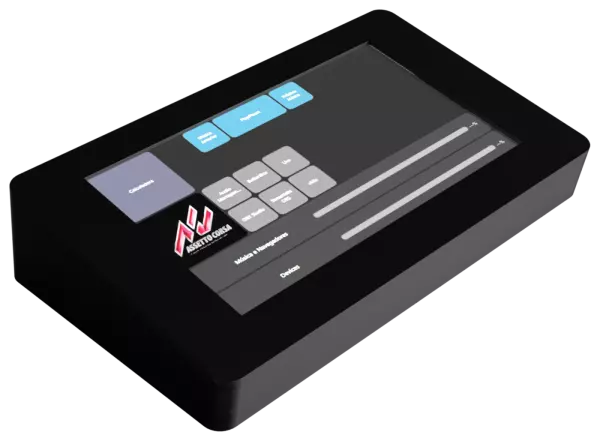
- Official invoice
- Warranty
- Made in Brazil, in-house
- WhatsApp support
Comparison
No cheerleading: the table includes the points where the LCD key panel wins.
| Feature | JJSD-02 Touchscreen · JohnJohn 3D | JJSD-01 Mechanical keys · JohnJohn 3D | LCD keys Imported 15-key panel |
|---|---|---|---|
| Format How you interact with the panel | 7" touchscreen | 12 mechanical keys | 15 keys with displays |
| Physical keys with tactile feel You can press without looking | No | Yes | Yes |
| Icon and label on every control The panel shows what each button does | Yes | No | Yes |
| Free size and position for every control On the JJSD-02, a 10 by 6 grid with modules from 1 cell to full screen | Yes | No | No |
| Volume sliders on the panel Per app, per playback and recording channel | Yes | No | No |
| Multiple pages of controls One for streaming, one for audio, one for gaming | Yes | 4 profiles | Yes |
| Direct OBS Studio integration The panel shows whether you are live or recording | Yes | Via hotkeys | Yes |
| Third-party plugin store The strongest point of the imported format | No | No | Yes |
| WiFi connection Both key-based models work over a USB cable | Yes | No | No |
| Free software to use the device No subscription for the panel's own features | Yes | Yes | Yes |
| Made in Brazil With invoice, warranty and support straight from the maker | Yes | Yes | No |
The "LCD keys" column describes the best-known imported format on the market: a panel with 15 physical keys, each with its own display, connected over USB. We do not name brands or models, and features vary from one maker to another: always check the official spec sheet before buying.
Which One to Pick
Three usage profiles, three different answers.
Touchscreen, If You Want a Tailor-Made Panel
The JJSD-02 fits volume sliders, live chat, big buttons for what matters and small ones for the rest, all on one screen and over WiFi.
Mechanical Keys, If You Want to Press Without Looking
The JJSD-01 has twelve keys with tactile feedback that work without installing anything and become full macros in free JJManager.
LCD Keys, If You Rely on a Plugin
If your workflow uses a specific plugin from the maker's store, or you want physical keys with an image on each, the imported panel is the right pick.
Frequently Asked Questions
Does the JJSD-02 work with OBS Studio, Streamlabs and vMix?
Do I need a paid subscription to use the JJSD-02?
How many pages fit on the panel?
Does the JJSD-01 work without installing anything?
Can I swap the keycaps or the switches?
Can I use the JJSD-02 wirelessly?
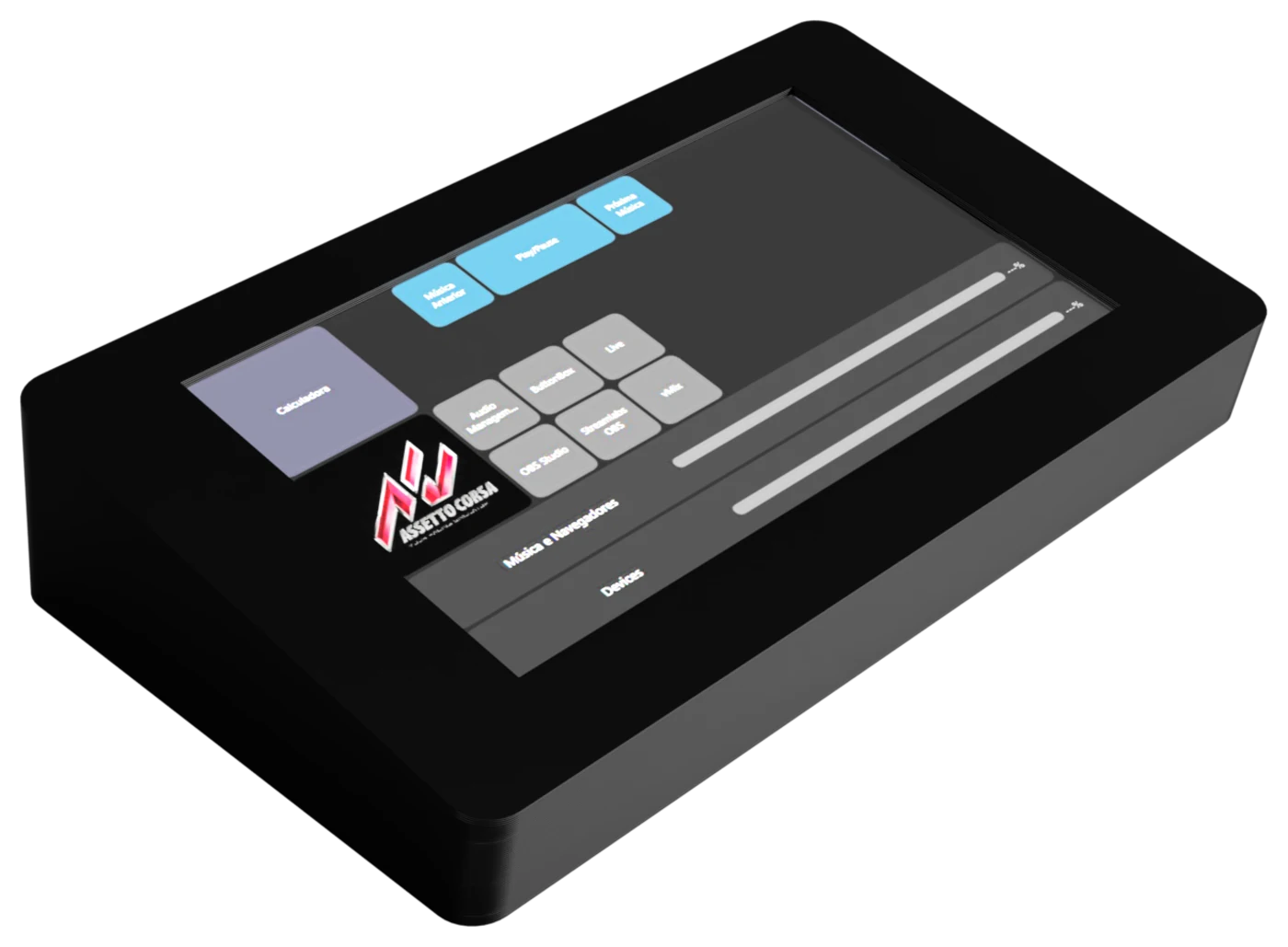
See the JJSD-02 in Action
The product page has an interactive simulation of the panel: you can click the modules and switch pages before buying.