Compatibility
StreamDeck for OBS Studio
The JJSD-02 does not fake a key press: it talks to OBS Studio through the WebSocket server that ships with the program. So it switches scenes, starts the stream and also shows on screen what is going on.
See What It Controls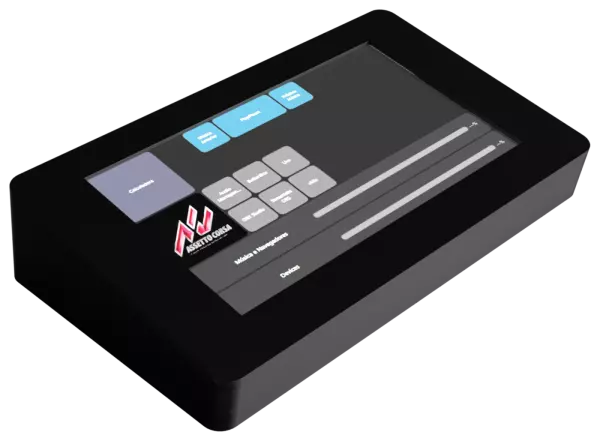
- Official invoice
- Warranty
- Made in Brazil, in-house
- WhatsApp support
What the JJSD-02 Controls in OBS Studio
Each item below is a module you drag onto the screen, at any size you want. All of them are part of free JJManager.
Scenes
Switches to a specific scene with one tap, and cuts from preview to program in studio mode.
Streaming and Recording
Starts or stops streaming and recording. One button for each.
Replay Buffer
Turns on the replay buffer and saves the clip to disk with one tap, with the buffer already running.
Mute and Volume
Mutes a specific input and controls the volume of OBS audio sources on an on-screen slider.
Sources and Filters
Shows or hides a source inside a scene and turns a source filter on or off.
Virtual Camera and Hotkeys
Turns on the virtual camera and fires any hotkey configured in OBS, even without a dedicated module for it.
A Live Production Panel for OBS Studio
The JJSD-02 grid has 10 by 6 cells and the panel splits into pages. A common way to organize it:
Live Page
Large buttons for scene switching, start stream, start recording and save replay. Each button shows the current state, so you see right away if the stream dropped.
Audio Page
Volume sliders taking the full screen height: microphone, game, music and voice chat on separate controls, plus a mute for each source.
Shortcuts Page
Keyboard, mouse and text macros for everything outside the streaming program: canned messages, opening apps, sound effects.
One-Tap Page Switching
A fixed button on each page takes you to the others. JJManager does not limit the number of pages.
Good to Know
OBS Studio is a trademark of its respective owners. JohnJohn 3D is not affiliated with the project: the integration uses the program's own public interface.
The Panel Shows the State
Because it talks directly to the program, the screen knows whether you are live, recording or muted, and shows it on the button itself.
Works With Two Computers
The OBS address is configurable: you can control the program running on another PC on the network, as in a setup with a dedicated streaming computer.
Prefer Mechanical Keys?
The StreamDeck JJSD-01 sends the F13 to F24 keys, which you bind to OBS Studio hotkeys. It does not show stream status, but it works with nothing to install.
No Subscription
No module on this page depends on JJManager PRO. The integration comes in the free version.
Frequently Asked Questions
How does the StreamDeck JJSD-02 connect to OBS Studio?
Which OBS Studio version do I need?
Can I control OBS Studio running on another computer?
Do I need a subscription to use the OBS Studio integration?
Does JJManager need to stay open?
What if I prefer mechanical keys in OBS Studio?
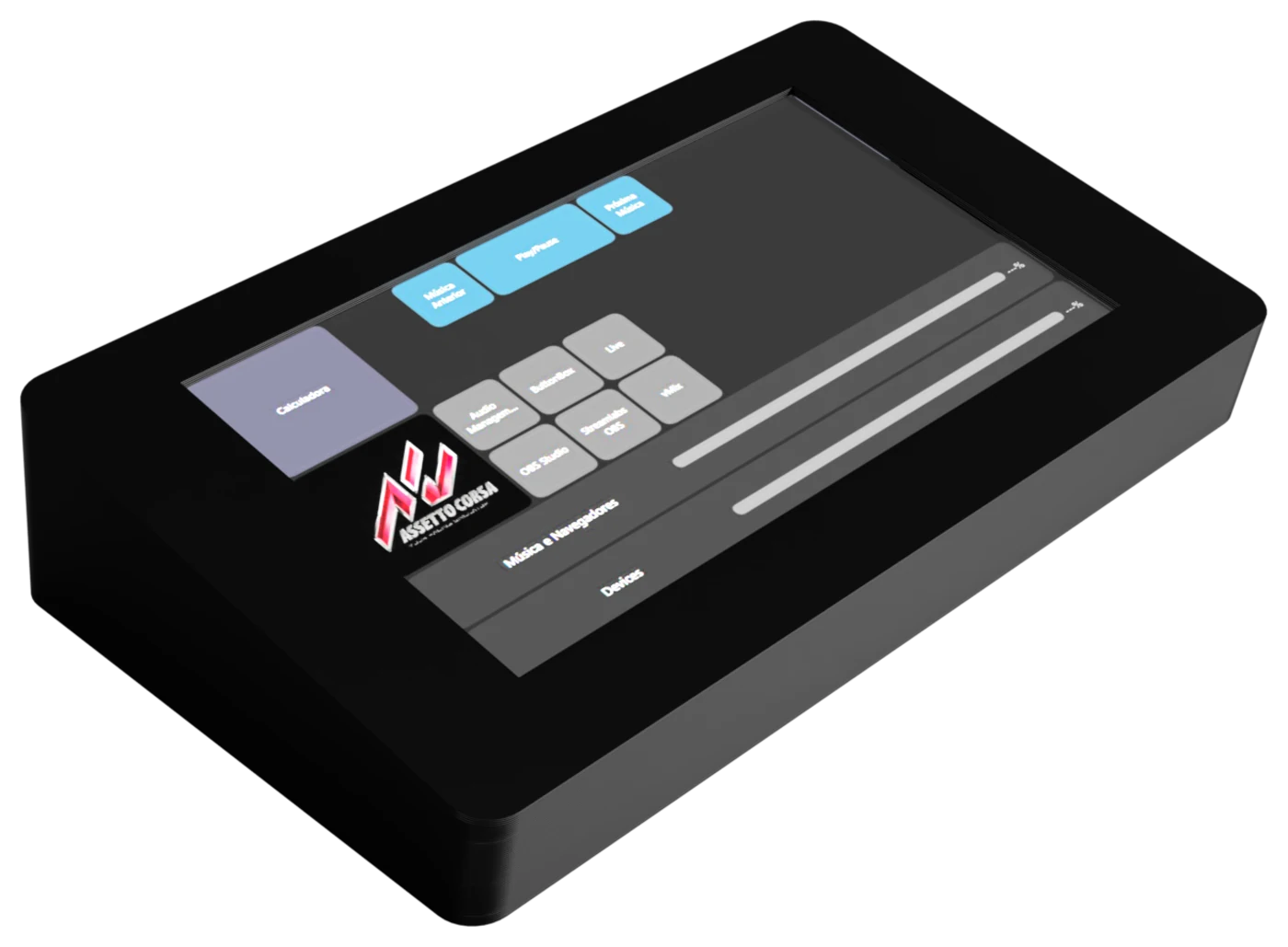
Meet the StreamDeck JJSD-02
7-inch touchscreen, a panel split into pages and 44 module types. The product page has an interactive simulation.