JohnJohn 3D
Sim Racing Gear
From the first upgrade on a Logitech wheel to a cockpit with telemetry in front of the driver. We design, 3D print and assemble every part in Brazil, with our own electronics and software.
See the Products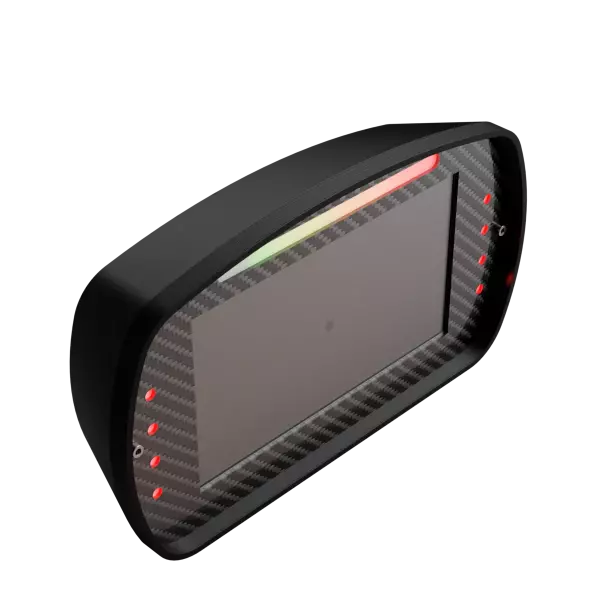
- Official invoice
- Warranty
- Made in Brazil, in-house
- WhatsApp support
Where to Start
It depends on what bothers you most about your setup today.
I Have a Logitech G27, G29, G920 or G923
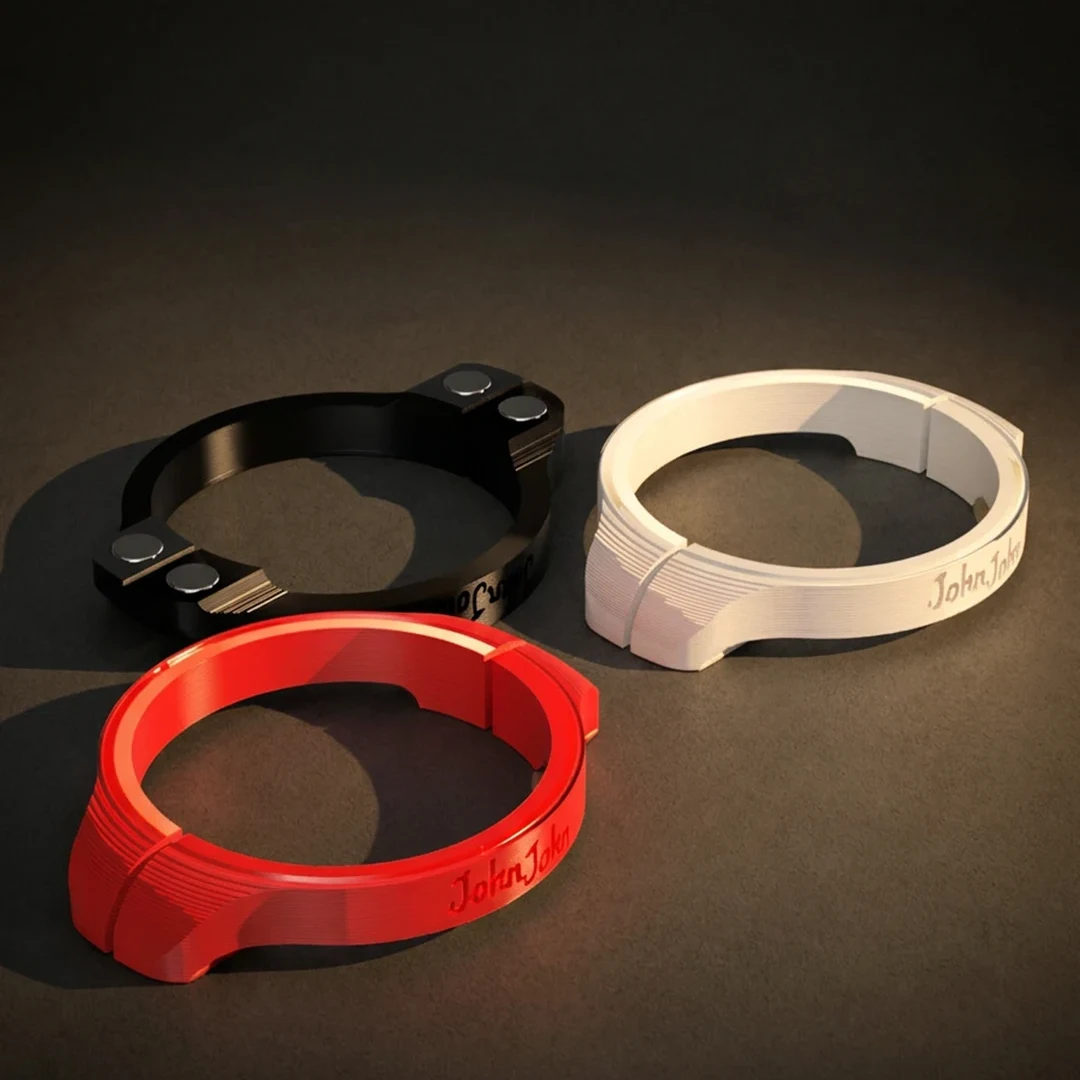
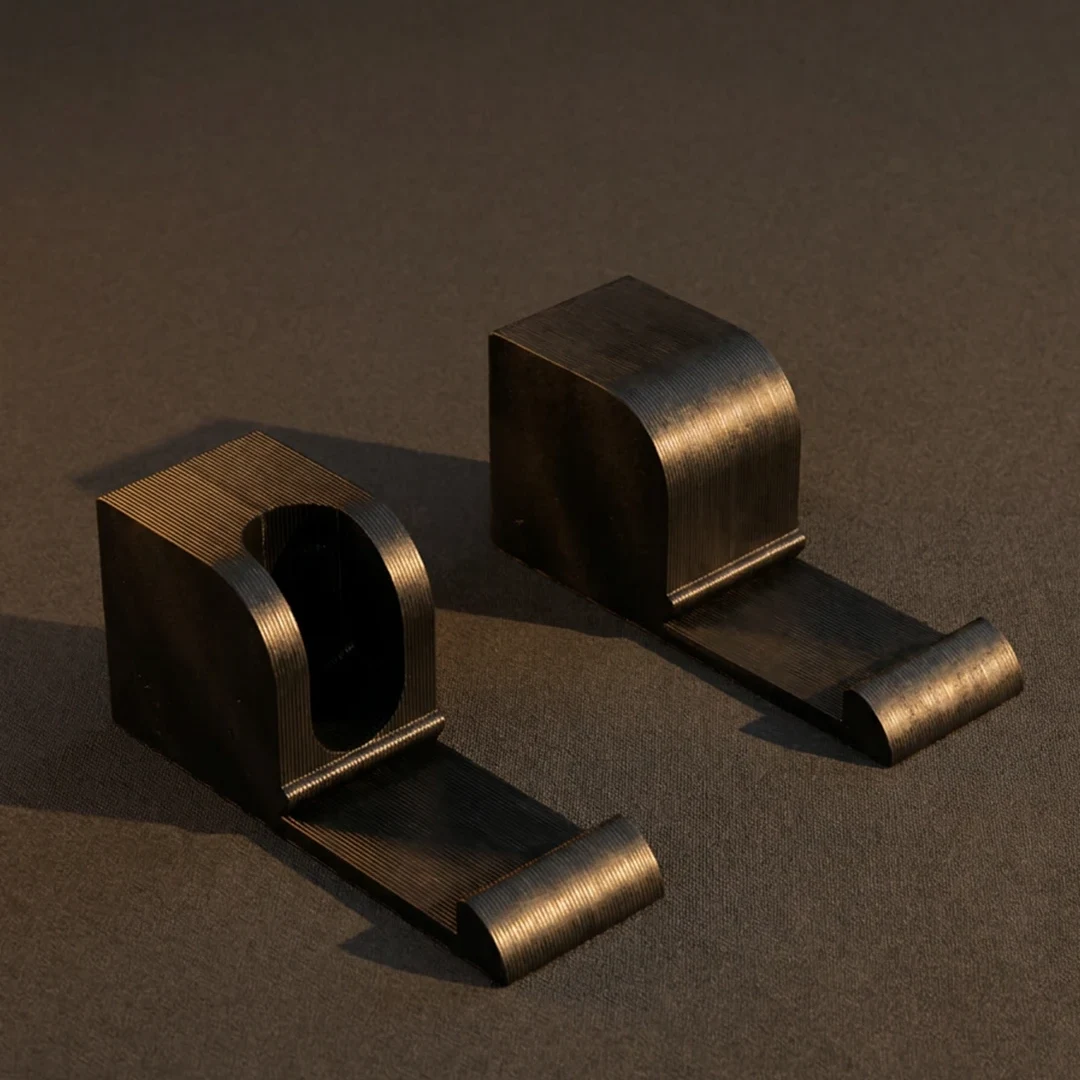
The JJPS-01 Magnetic Paddle Shift Mod makes gear changes firmer and more precise, and the pedal spacers protect the pedal cable.
I Need More Buttons
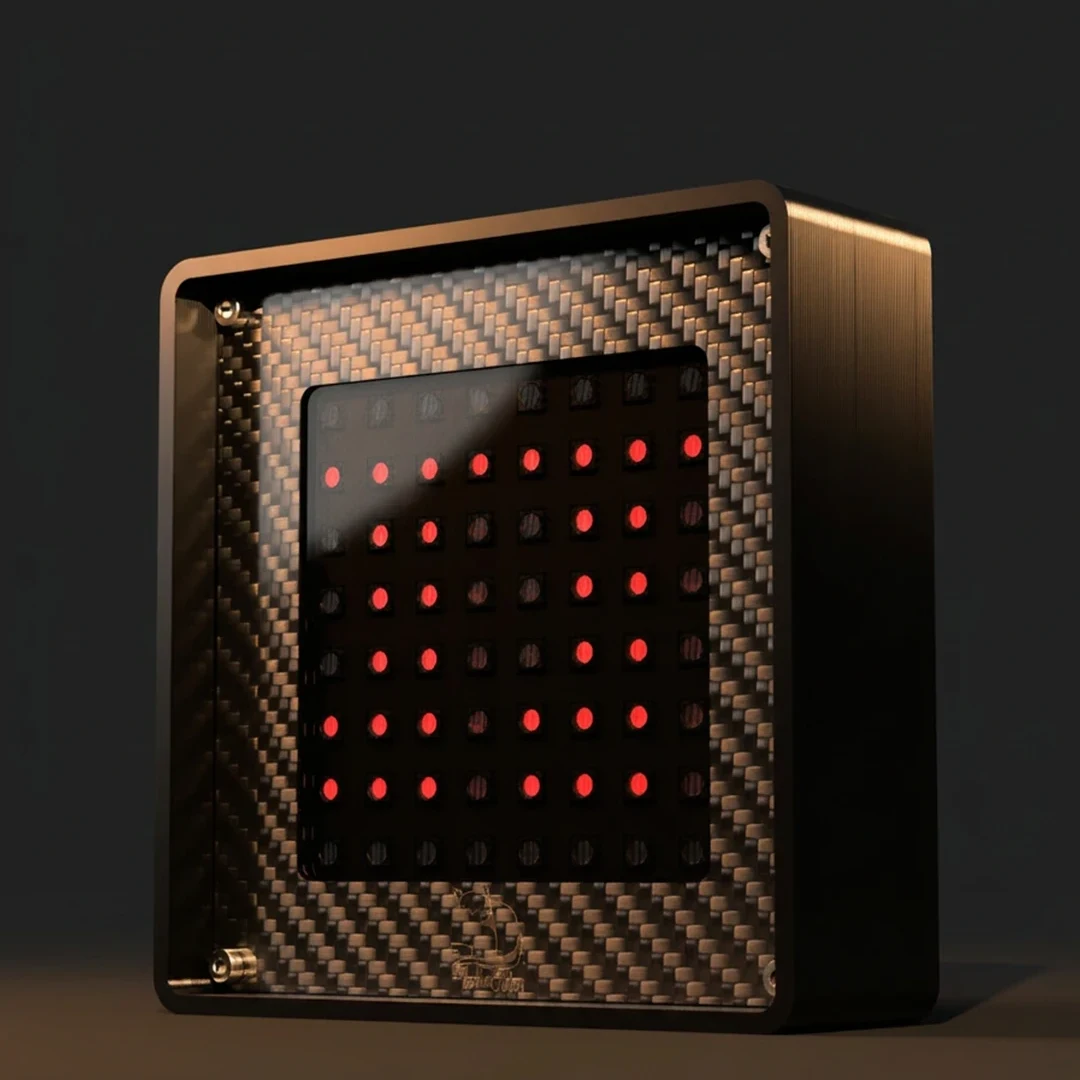
A button box puts ignition, pit, lights and car adjustments on metal buttons, with LEDs that react to the game.
I Want Telemetry in Front of Me
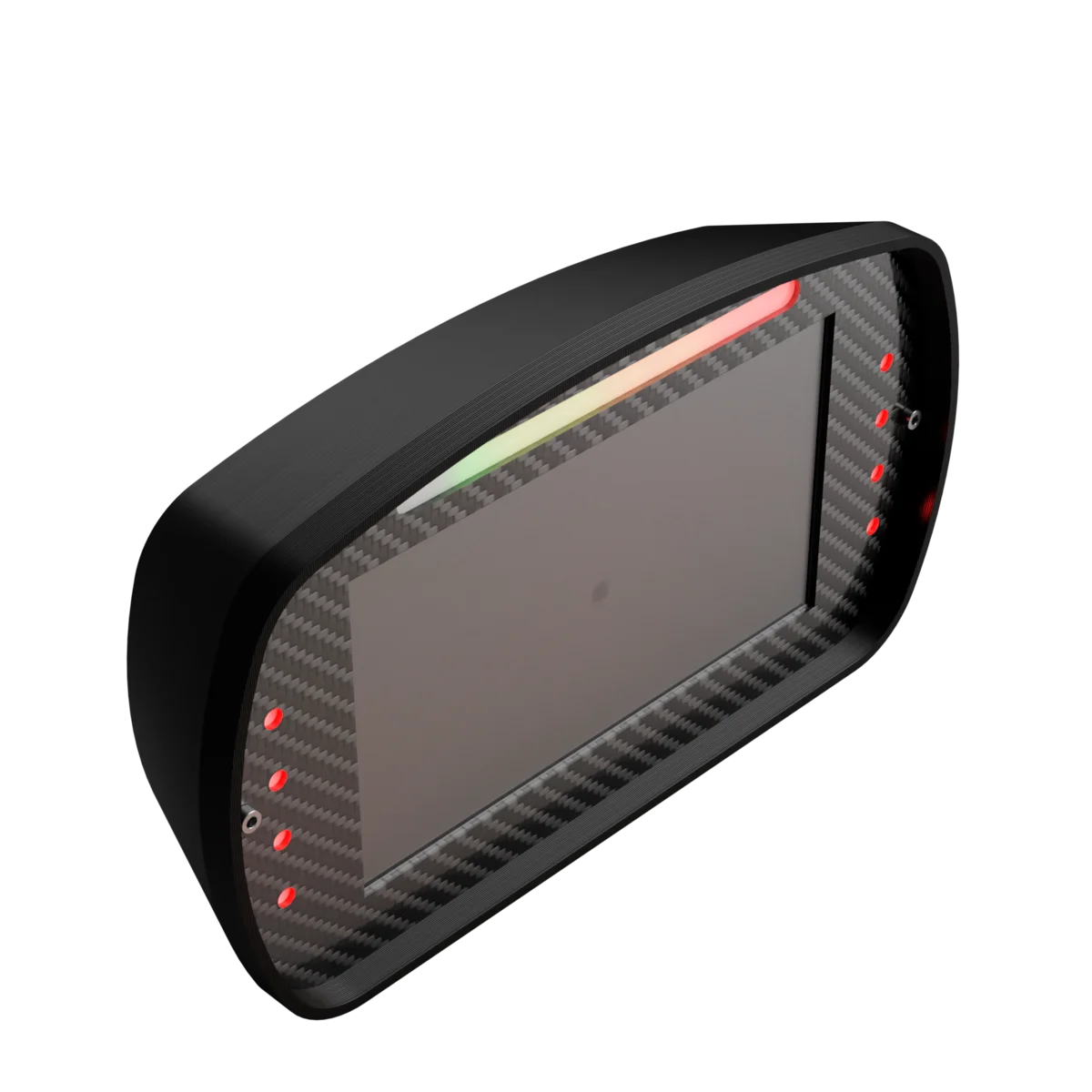
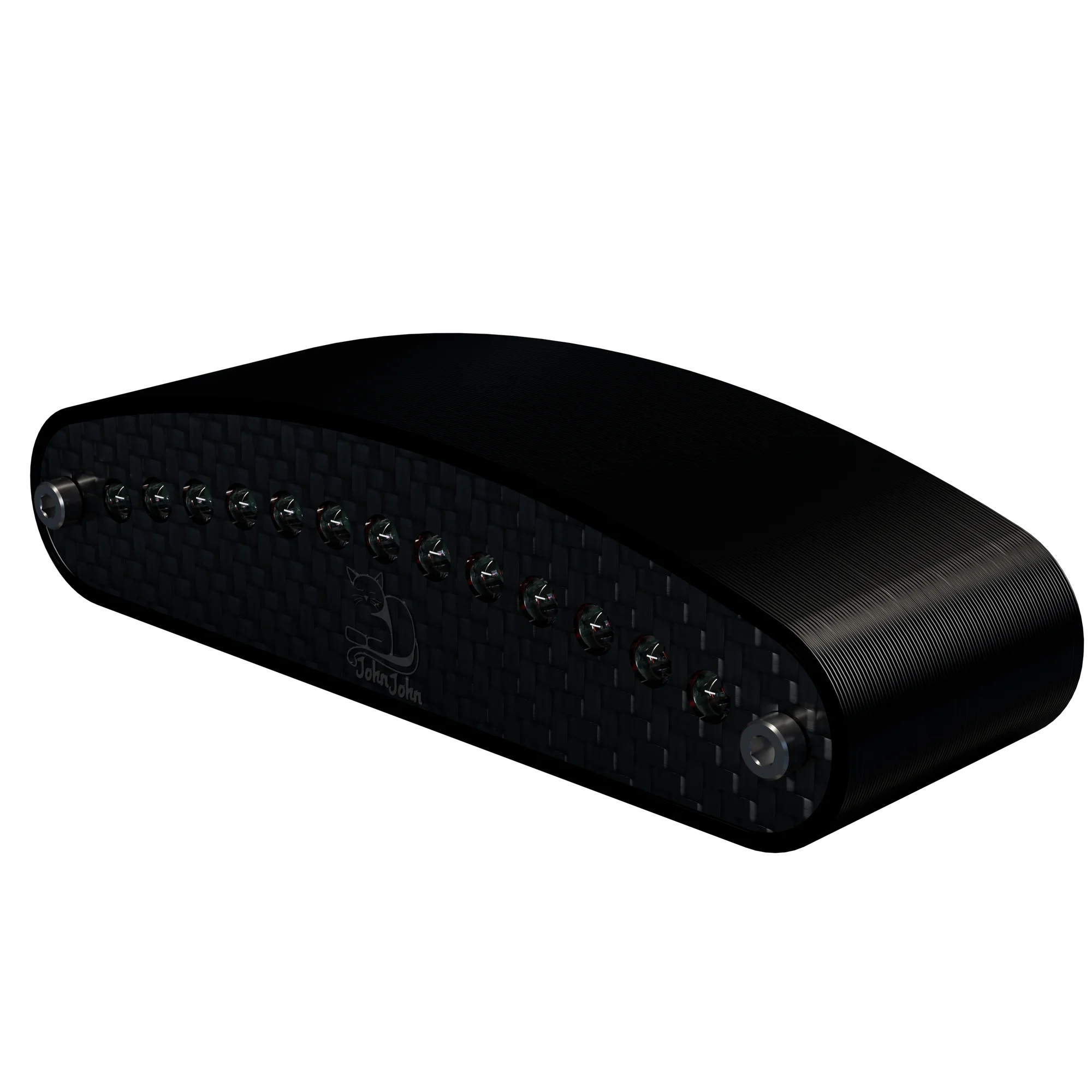
The Shift Light JJSL-01 tells you when to shift, the Sim Flag Indicator JJIF-01 shows flags and spotter, and the Dashboard JJDB-01 brings RPM, lap times and tires on a 7-inch screen.
My Cockpit Keeps Rolling Away
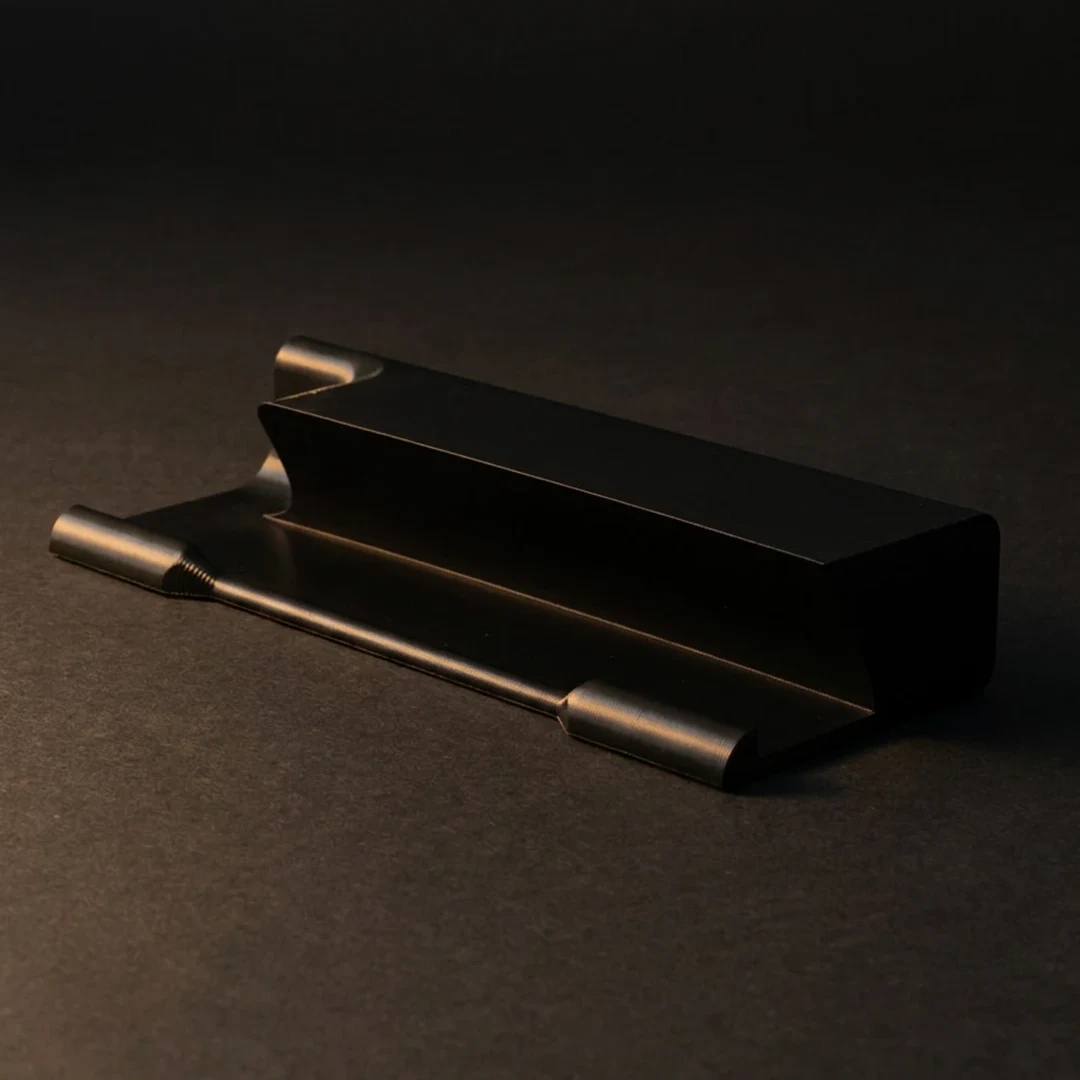
The Caster Lock JJTR-65 chocks the 65 mm casters of your chair, cockpit or rack: the setup stays where you left it.
Compatible Simulators
Some of the PC games SimHub reads, which therefore work with our telemetry devices.
- Circuit
- iRacing, Assetto Corsa, Assetto Corsa Competizione, Assetto Corsa EVO, rFactor 2, Le Mans Ultimate, Automobilista 2, RaceRoom Racing Experience, Rennsport, Project Cars 2
- Formula 1
- Codemasters F1 series, from F1 2012 to F1 25
- Rally
- EA WRC, Dirt Rally 2.0, Richard Burns Rally, Assetto Corsa Rally, WRC Generations
- Drift and open world
- BeamNG.drive, Forza Horizon 5, Forza Motorsport, Live for Speed
- Trucks and buses
- Euro Truck Simulator 2, American Truck Simulator
Partial list, PC only. The full and current list is on the SimHub website, which today counts 98 racing games. Not every game provides all the data: what each device shows depends on the telemetry the game provides. Game names are trademarks of their respective owners.
Compatibility and Guides
From the symptom to the fix, no fluff.
Does It Work With My Simulator?
iRacing, ACC, rFactor 2, F1 and the other games SimHub reads. See compatible simulators.
I Miss Flags During Races
How to put flags, spotter and car alerts in your peripheral vision. Read the flags guide.

JJManager: the Software That Comes With It
JJManager is the free software that sets up LEDs, profiles and firmware on the devices. With the JJManager Sync plugin, they receive SimHub telemetry and work with the simulators SimHub supports.
Meet JJManagerFrequently Asked Questions
Do the devices work with my simulator?
Do I need software or a driver to use the JJSL-01?
Does the JJB-Slim Type A work with nothing to install?
Is the JJSD-02 good for sim racing?
Does it work on PlayStation or Xbox?
Where can I buy JohnJohn 3D products?
Is there support after purchase?
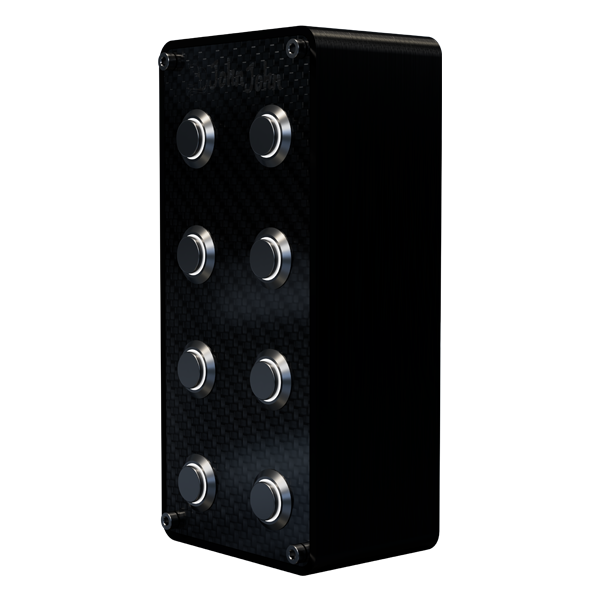
Meet the Button Box
Eight metal buttons with LEDs that react to the game, in a body that fits any cockpit.