Streaming and Setup
JohnJohn 3D StreamDeck
Switching scenes, muting the mic, firing a sound effect, adjusting game volume: all of it leaves the keyboard and moves to a dedicated panel on your desk. Two models, made in Brazil, with free software and no subscription.
See the Models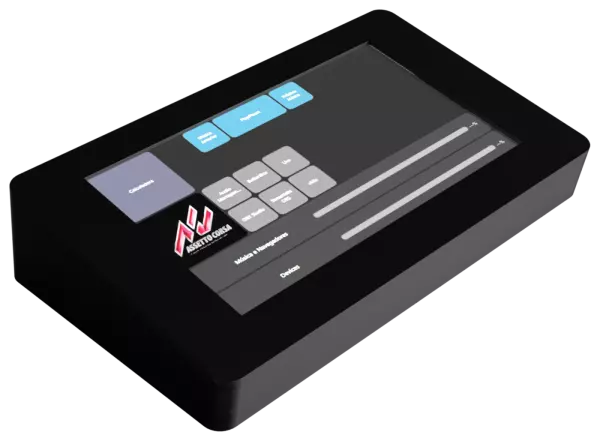
- Official invoice
- Warranty
- Made in Brazil, in-house
- WhatsApp support
The JJSD Line
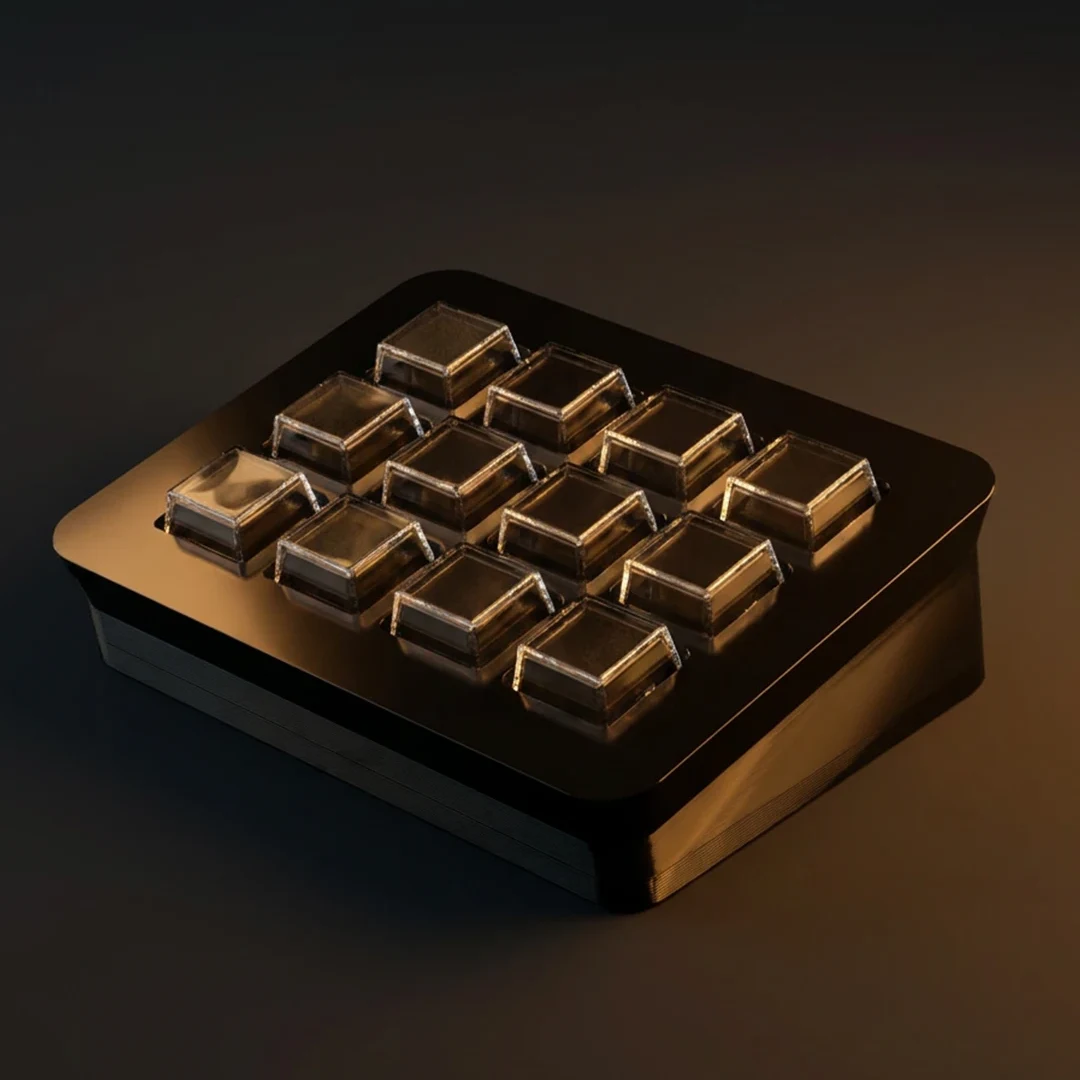
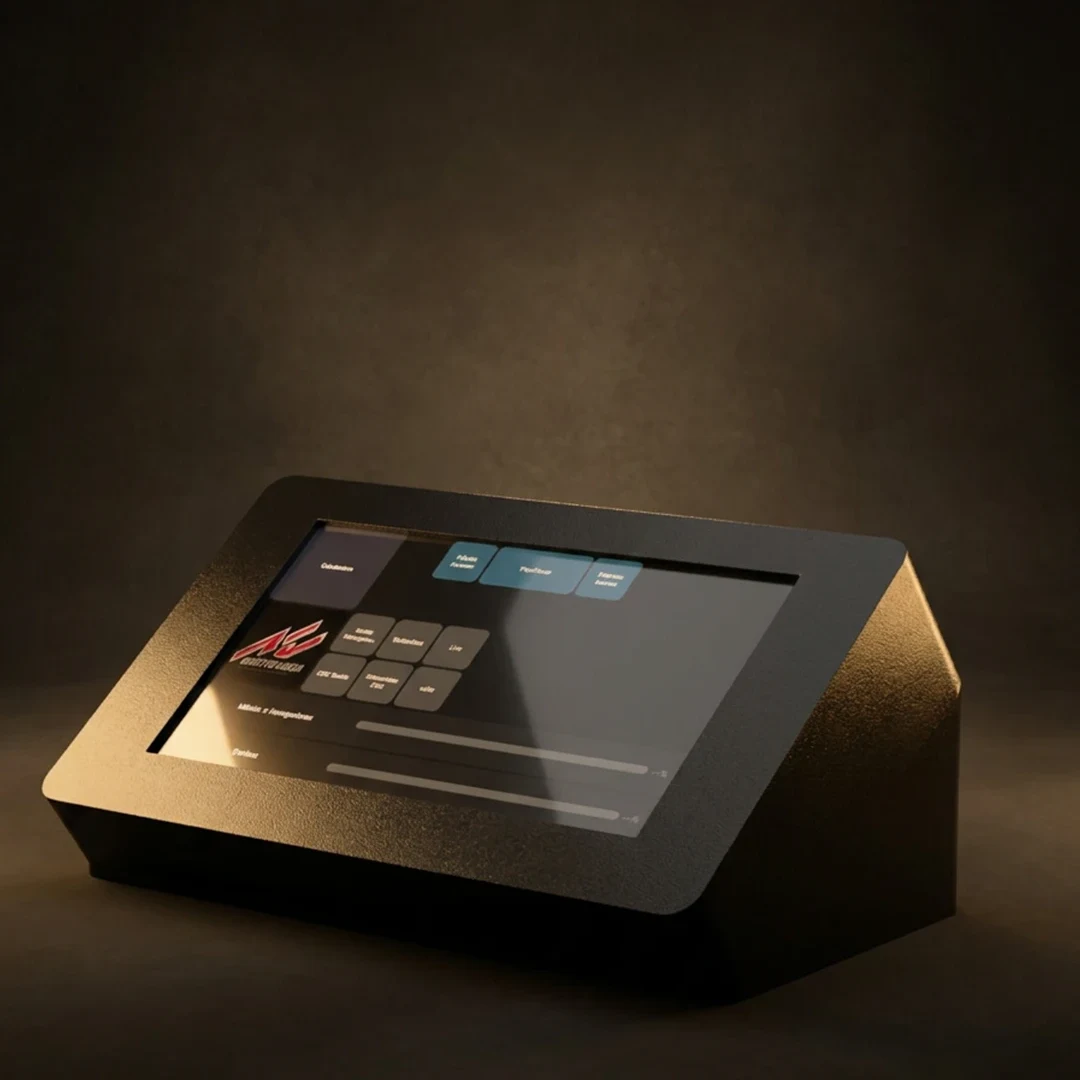
JJSD-02 or JJSD-01
Both do the same job in different ways: one is a screen, the other is keys.
| Feature | JJSD-02 7-inch touchscreen | JJSD-01 12 mechanical keys |
|---|---|---|
| Physical keys with tactile feel You feel the press without looking | No | Yes |
| Icon and label on the key itself The panel shows what each button does | Yes | No |
| You set the size and position of every control 10 by 6 cell grid per page | Yes | No |
| Per-app volume sliders An audio mixer drawn on the screen | Yes | No |
| Talks directly to OBS, Streamlabs and vMix Shows whether you are live, recording or muted | Yes | Via hotkeys |
| Keyboard, mouse, text, audio and script macros In sequence, with as many steps as you want | Yes | Yes |
| Works without installing anything The JJSD-01 sends F13 to F24 straight from the firmware | No | Yes |
| WiFi connection On the desk, away from the PC, plugged only into power | Yes | No |
| Everything unlocked in free JJManager No subscription to use the device | Yes | Yes |
Which One to Pick
There is no better model, only the one that fits the way you work.
I Want to See Everything on Screen
Go with the JJSD-02. Separate pages for streaming, audio and gaming, volume sliders, live chat and OBS status right on the panel.
I Want to Press Without Looking
Go with the JJSD-01. Twelve mechanical keys with tactile feedback that work from the first second and become full macros in JJManager.
I Want to Compare With Imported Panels
See the stream deck comparison: touchscreen, mechanical keys and the imported LCD key panel, side by side.
Works With Your Streaming Software
The JJSD-02 talks straight to the program, without relying on keyboard shortcuts.
OBS Studio
Scenes, streaming, recording, replay, mute, sources, filters and volume. See the OBS integration.
Streamlabs Desktop
Streaming, recording, replay buffer, scenes and volume. See the Streamlabs integration.
vMix
Cut to inputs, overlays, PTZ camera, fade to black and volume. See the vMix integration.

JJManager: the Software That Comes With It
Both models are set up with JJManager, free for Windows, Linux and macOS, in Portuguese, English and Spanish. It delivers the macros, the panel pages and the firmware updates.
Meet JJManagerFrequently Asked Questions
Do I need a paid subscription to use the JJSD-02?
Do I need a paid subscription to use the JJSD-01?
Does the JJSD-01 work without installing anything?
Does the JJSD-02 work with OBS Studio, Streamlabs and vMix?
Does it work on Mac and Linux?
Can I use the JJSD-02 wirelessly?
Does it work on PlayStation or Xbox?
Where can I buy JohnJohn 3D products?
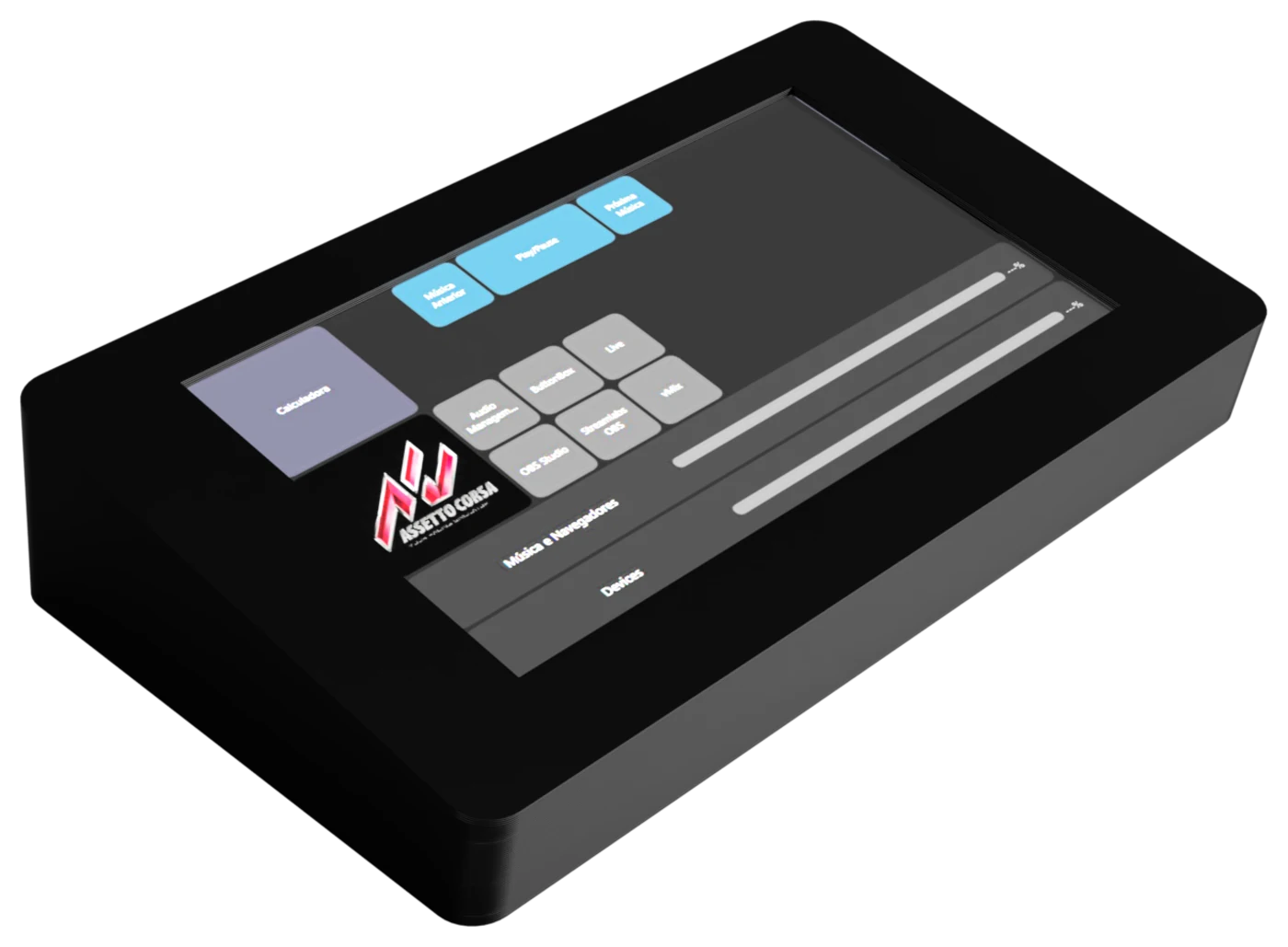
Start With the JJSD-02
7-inch screen, 44 module types and OBS, Streamlabs and vMix integration, all in the free software.